 |
OpenSNES
Modern Open-Source SNES Development SDK
|
|
OpenSNES
Modern Open-Source SNES Development SDK
|
Additive blending between two background layers: a static landscape with semi-transparent clouds scrolling over it. No input required.
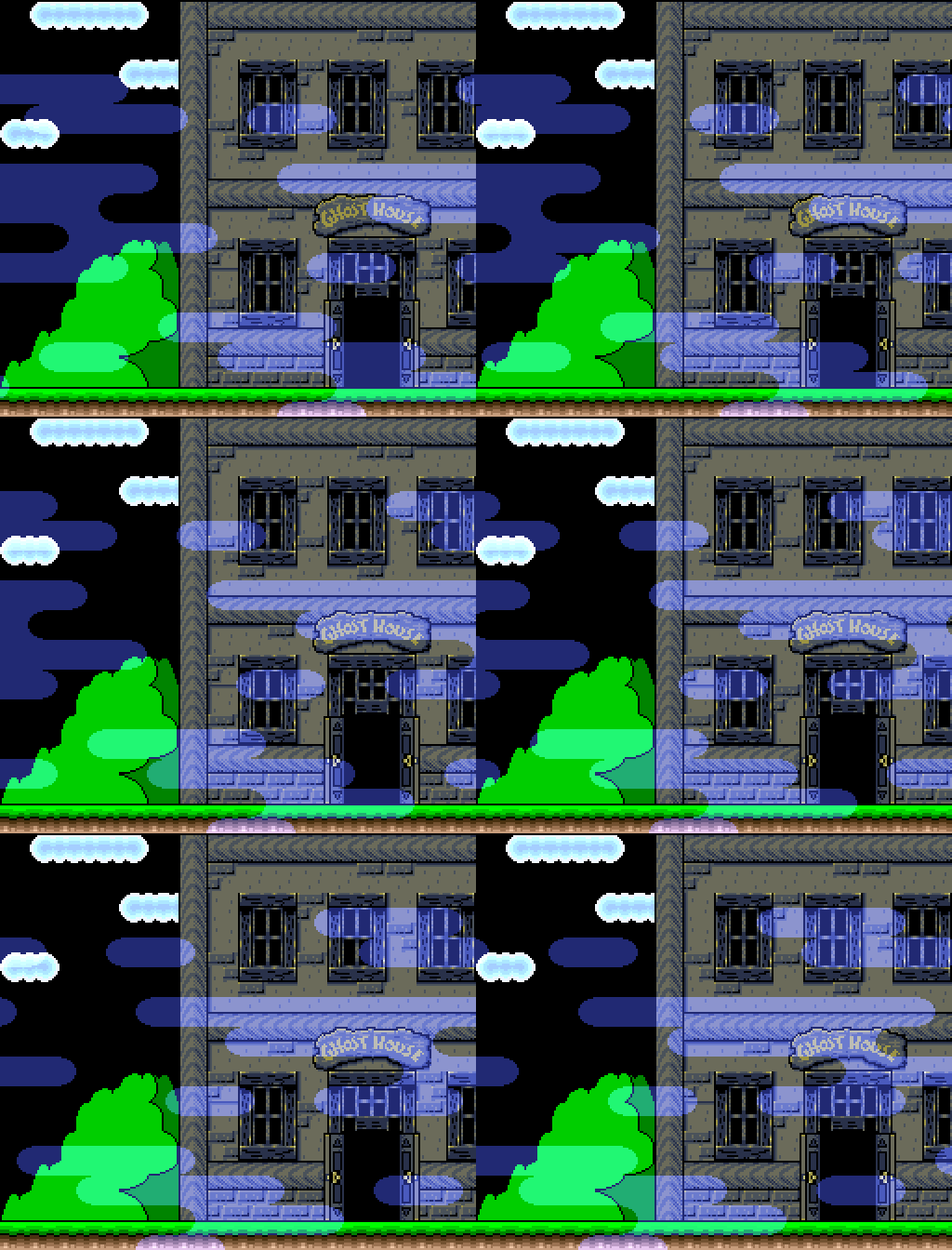
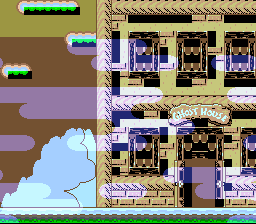
No interactive controls. The clouds scroll automatically.
Then open transparency.sfc in your emulator (Mesen2 recommended).
The SNES PPU can blend two images together using its color math unit. The "main screen" is the final displayed image. The "sub screen" is a second, hidden rendering of selected layers whose pixel colors are used as the blend source.
In this example:
The color math unit takes each main screen pixel and adds the corresponding sub screen pixel color to it. Where clouds overlap the landscape, the cloud colors brighten the landscape beneath them. Where there are no cloud pixels, no addition occurs.
Mode 1 normally draws BG3 (2bpp) behind BG1 (4bpp). Setting BG3_MODE1_PRIORITY_HIGH promotes BG3's high-priority tiles above all other BG layers, which is essential for the cloud overlay to render on top of the landscape.
The COLORMATH_BACKDROP flag ensures clouds also blend over empty areas (CGRAM entry 0).
The tiles, tilemaps and palettes come out of the two settings files beside the pictures (res/backgrounds.bmp.toml, res/clouds.bmp.toml): the build converts them with opensnes-tileset and links the result in the asset banks, and the generated res/*.inc declare the symbols with their bank carried in the far pointer, so dmaCopyVram() / dmaCopyCGram() read them from any bank. All graphics are loaded during forced blank (screen off) since the total data exceeds the ~4KB VBlank DMA budget.
Each frame, BG3's horizontal scroll is incremented by one pixel. The tilemap wraps naturally, creating seamless looping clouds:
bgSetScroll() defers the actual PPU register write to the NMI handler via a dirty-flag mechanism, ensuring scroll updates happen safely during VBlank.
console, sprite, dma, background, colormath (LIB_MODULES in the Makefile).
| File | Purpose |
|---|---|
| main.c | PPU setup, color math configuration, scroll loop |
| res/*.bmp.toml | the import settings of the landscape (opensnes-tileset, palette rearranged into banks, bank 1) and the clouds (2bpp); the build converts and links them |
| Makefile | Build config (no conversion rule: the settings files drive it) |
| res/backgrounds.bmp | 4bpp landscape source image |
| res/clouds.bmp | 2bpp cloud overlay source image |
Window Masking: Window Example - Triangle-shaped HDMA window
HDMA Gradient: Gradient Colors - Per-scanline color effects
 1.16.1