Demonstrates the four HDMA library helper effects available in the OpenSNES SDK.
Demo
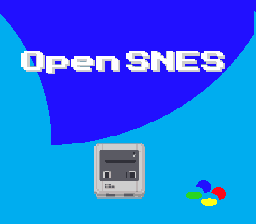
Screenshot
Effects
| Button | Effect | Description |
| A | Brightness gradient | Fade to black at screen bottom |
| B | Color gradient | Deep blue to orange on the backdrop (color 0) |
| X | Iris wipe | Circular window reveal/conceal |
| Y | Water ripple | Wave distortion increasing top-to-bottom |
| D-pad | Adjust | Change parameters per active effect |
| START | Stop | Disable current effect |
Architecture
- BG1: the OpenSNES logo, Kit over the wordmark (res/logo.png, written by devtools/art_assets/build.py); its sky is colour 0, never drawn, so the colour gradient (B) shows all around him
- HDMA: channel 6, kept enabled with an empty table between effects, and channel 5 for the brightness gradient; each helper sets its channel up again when the channel runs something else, and only moves its table when it is called again on its own effect (D-pad)
- Each effect builds a per-scanline HDMA table in RAM
Modules
console sprite dma input background hdma
Related examples
- backgrounds/mode3 — the canonical "8bpp single-layer background" example. If you want the brightness/color gradient effects above applied to an 8bpp Mode 3 image instead of a 4bpp Mode 1 image, start from mode3 for the BG setup and add a hdmaBrightnessGradient() / hdmaColorGradient() call afterwards.

 1.16.1